Esports Broadcast Suite

Professional Overlays
In Minutes

Create stunning broadcast overlays for your esports productions. Manage teams, talents, tournaments, and sponsors — all in one powerful desktop app.

100% Local & Offline
OBS Ready
7+ Languages
CutROOM Dashboard
Features

Everything You Need for
Professional Broadcasts

Powerful tools designed for esports organizers, streamers, and broadcast professionals.

Team Management

Organize teams, players, and rosters with ease. Import logos and manage player profiles.

Live Control

Switch scenes, update scores, and control your broadcast in real-time with customizable hotkeys.

OBS Integration

Seamless integration with OBS Studio via browser sources. Real-time updates without refreshing.

Custom Themes

Design unique themes with custom colors, backgrounds, videos, and visual effects.

Tournament Support

Manage tournaments with match schedules, brackets, and dedicated overlay scenes.

Sponsor Display

Showcase sponsors with rotating logos, QR codes, and customizable placements.

Showcase

See It In Action

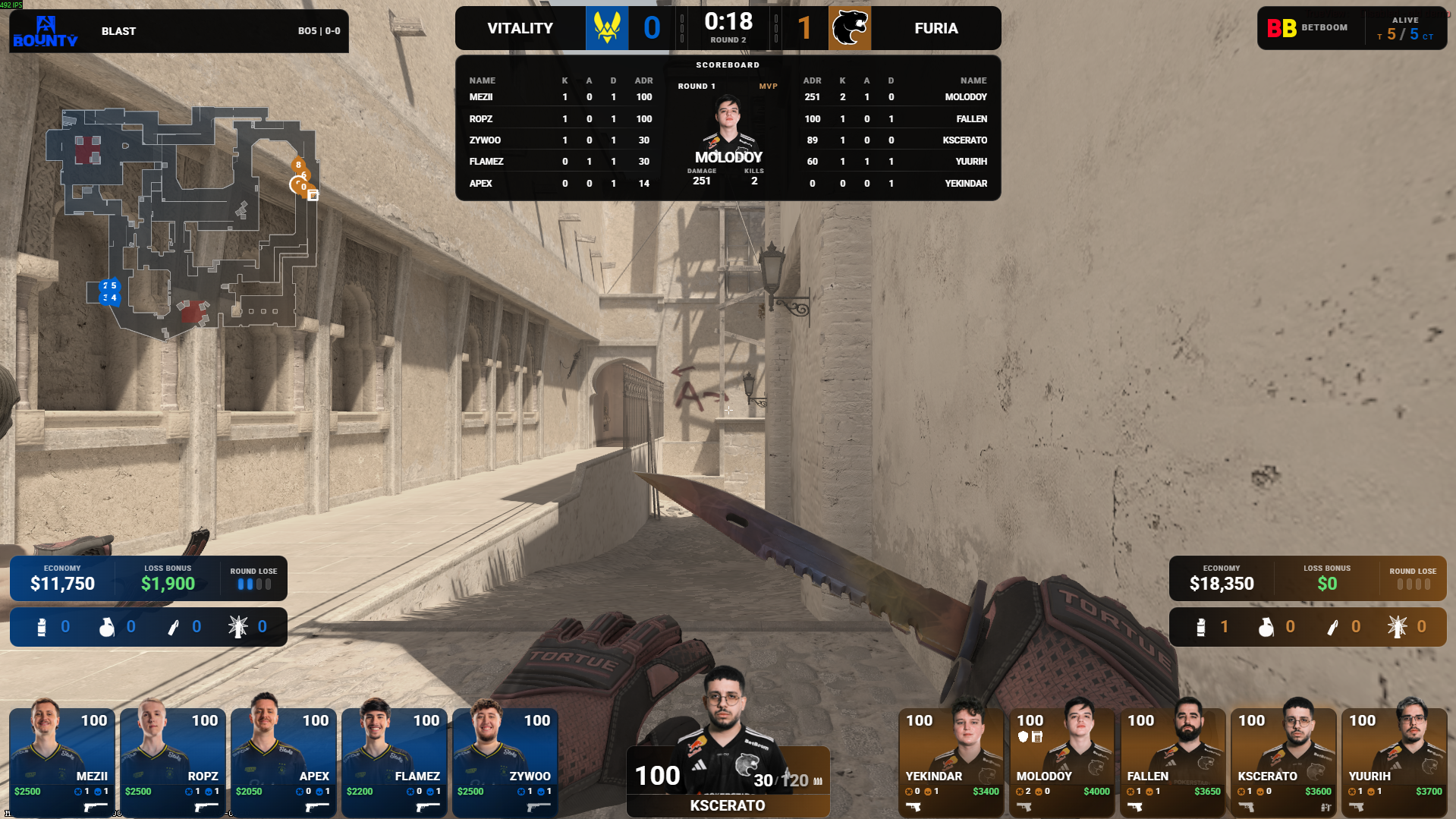
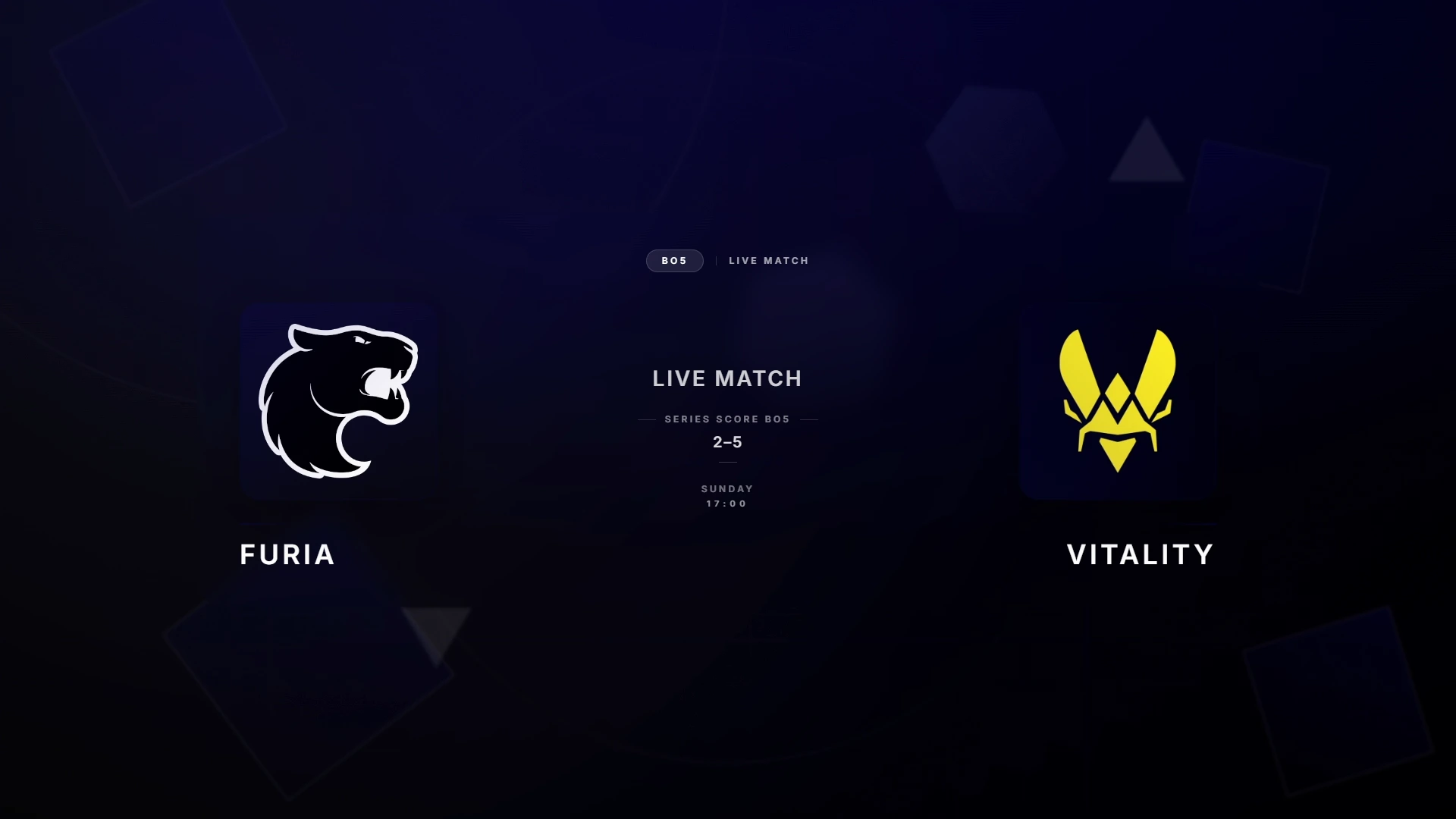
Professional overlays ready for your next tournament.

Overlay Preview
Partners

Teams Using CutROOM

Trusted by teams and organizers in the esports scene.

Pricing

Simple, Transparent Pricing

One plan, all features. No hidden fees.

CutROOM Solo

9 .99 /month

Best for solo casters and small events

  • 1 seat (1 PC at a time)
  • All overlay scenes included
  • Unlimited teams & players
  • Custom themes & branding
  • Live hotkey control
  • Sponsor management
  • All future updates
  • Standard support (email)

Cancel anytime. License key delivered by email.

By Invitation

CutROOM Team

24 .99 /month

Built for small esports orgs and tournaments

  • 3 seats (3 PCs at a time)
  • Everything in Solo
  • Priority support (24–48h response)
  • CSV import/export + templates
  • Stream Deck / Regie controls

Available soon.

By Invitation

CutROOM Studio

79 .99 /month

For production teams and large events

  • 5 seats (5 PCs at a time)
  • Everything in Team
  • Onboarding session included
  • Backup/restore config + advanced exports
  • Advanced device management

Available soon.

FAQ

Frequently Asked Questions

Got questions? We've got answers.

Simply add a Browser Source in OBS and point it to the local URL provided by CutROOM (usually http://localhost:3001). The overlays work perfectly with transparent backgrounds.

Yes! CutROOM runs entirely on your local machine. Once activated, you don't need an internet connection. Your data stays on your computer.

Each license is valid for 1 device. If you need to use CutROOM on multiple computers, you'll need a separate license for each one.

We accept all major credit cards (Visa, Mastercard, American Express) through Stripe's secure payment processor.

You can cancel anytime by contacting our support. Your access continues until the end of your billing period.